Recognize the photo.
Browse videos and stills in the same Lobby. On Quest, the latest update gives SBS photos a single-eye preview, so the thumbnail is easier to read.
Set up your 3D photos → Finally
Finally VR Video Player · Quest + Galaxy XR
Open your own collection, find the picture you want, and settle into a room that feels right. Local files and NAS libraries, together in your headset.
Free to install · No Finally account · No ads
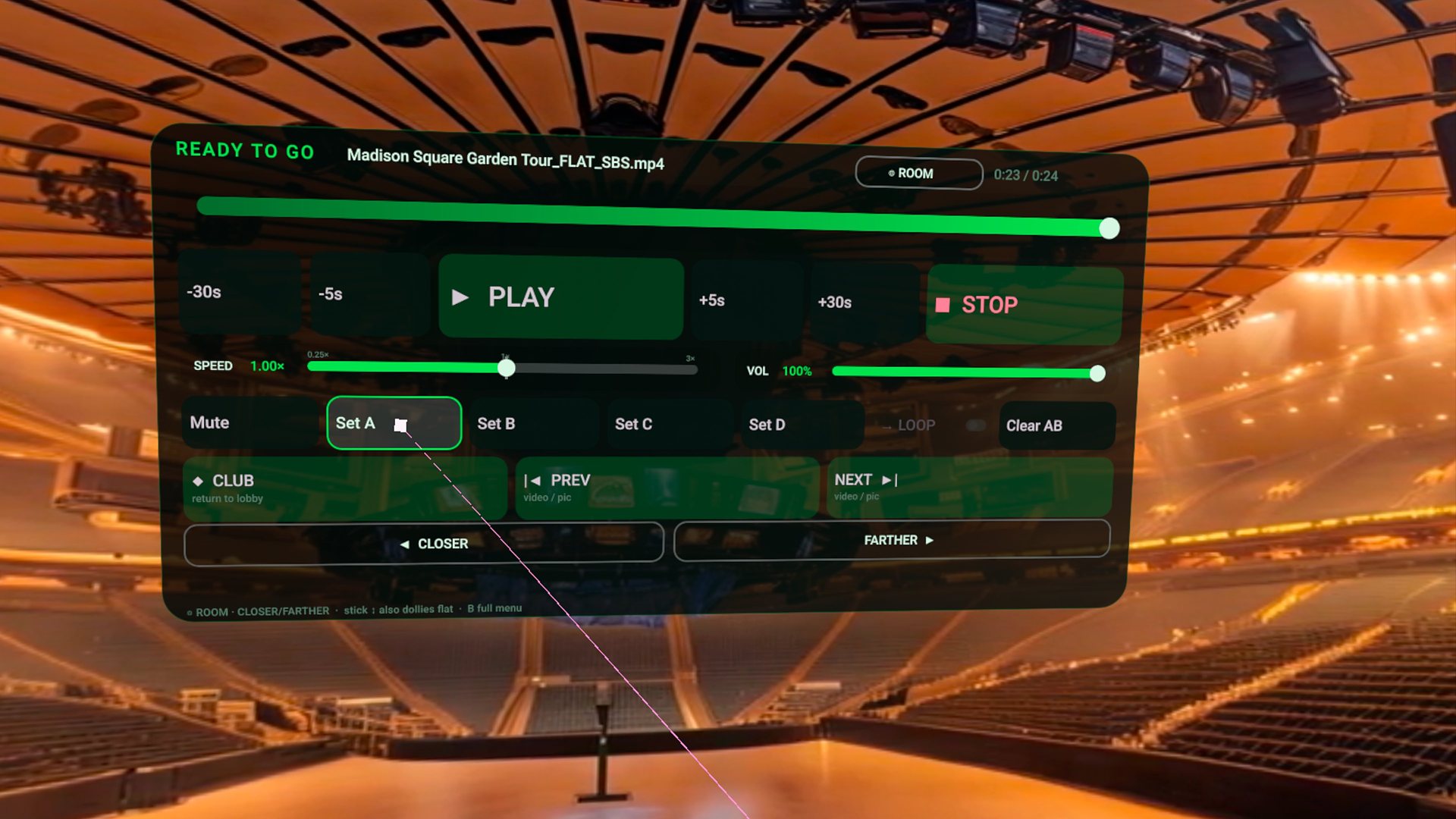
Press play.
Keep your space.
Made for the collection you already have
Browse videos and stills in the same Lobby. On Quest, the latest update gives SBS photos a single-eye preview, so the thumbnail is easier to read.
Set up your 3D photos →Choose a virtual room or passthrough. The Quest photo update keeps your selected background visible while the next photo loads.
Explore passthrough →Use BASIC for everyday playback. Open PRO for placement, stereo layout and finer controls. Save a projection correction for that title.
Get the layout right →Inside Finally · Quest 1.0.28
Choose how long each photo stays, move between pictures, and keep placement controls close at hand.
This real Quest capture shows the everyday controls with a flat 2D demo photo in a bundled virtual room.
See the photo controls →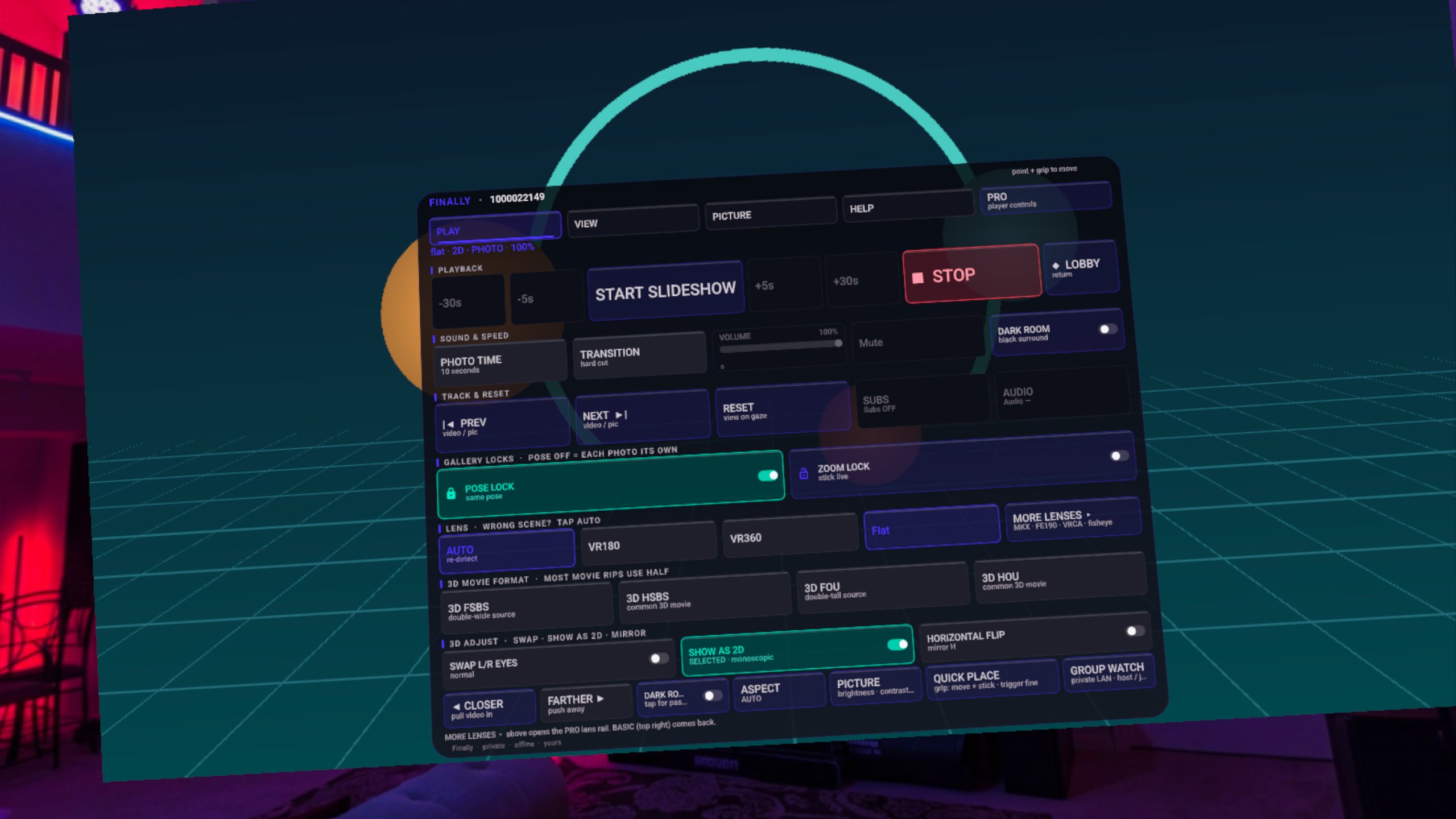
Mac · Windows · NAS · DLNA
Find your computer, open a shared folder, choose a video. Our visual guide walks through SMB and FireStream setup, including what to check when a server won’t connect.
Connect your library →Preview the simplified Sources screen. The guide also explains the SRC entry point in earlier versions.

Choose your headset
Quest 3, Quest 3S, Quest Pro and Quest 2. Install through the Meta Horizon Store.
Get on Meta Quest ↗First video on Quest →Open the Google Play listing using the Google account on your Galaxy XR. Play shows device compatibility and the version available to you.
Get on Galaxy XR ↗Galaxy XR setup →Updates can reach the stores at different times. Check the version installed in your Lobby. Playback limits depend on the headset and file.
Start with something you love watching
Start with one familiar, short video. Add it through the system picker, then open it in the Lobby.
Local file setup →Keep the collection on your computer or NAS. Connect over SMB and begin with a single folder.
Mac, NAS and DLNA setup →Use Flat + SBS for a side-by-side 3D photo. Choose the correct packing and eye order.
SBS photo setup →Choose by what you want to do
Try it with one of your own videos and a 3D photo. The experience of finding, opening and placing your media is the reason to choose it.
SKYBOX, 4XVR, Moon and DeoVR each have strengths. Use our comparison guide to find the right fit, and check demanding formats against the exact headset and file you plan to use.
No. Finally is free to install and does not require a Finally account. Your headset's store account is used to obtain the app.
Local and SMB playback do not upload your media to Coldbricks. Finally has no app analytics or advertising. Optional sources, support sharing and platform services have their own data paths, explained in the privacy policy.
No player can promise that. Codec, bitrate, resolution, source frame rate and network conditions matter. Start with a file you know works; see the manual for supported routes and limitations. Blu-ray/MVC is experimental and requires decrypted media you have the right to use.
The core player is shared, but install steps and some headset behavior differ. Start with the Galaxy XR guide. Quest refresh-rate or performance results are not Galaxy guarantees.